Tags are a product-level field, so a tag task selects products rather than variants. Because automated collections and Flow workflows read tags, this is one of the edits with the widest downstream effect.
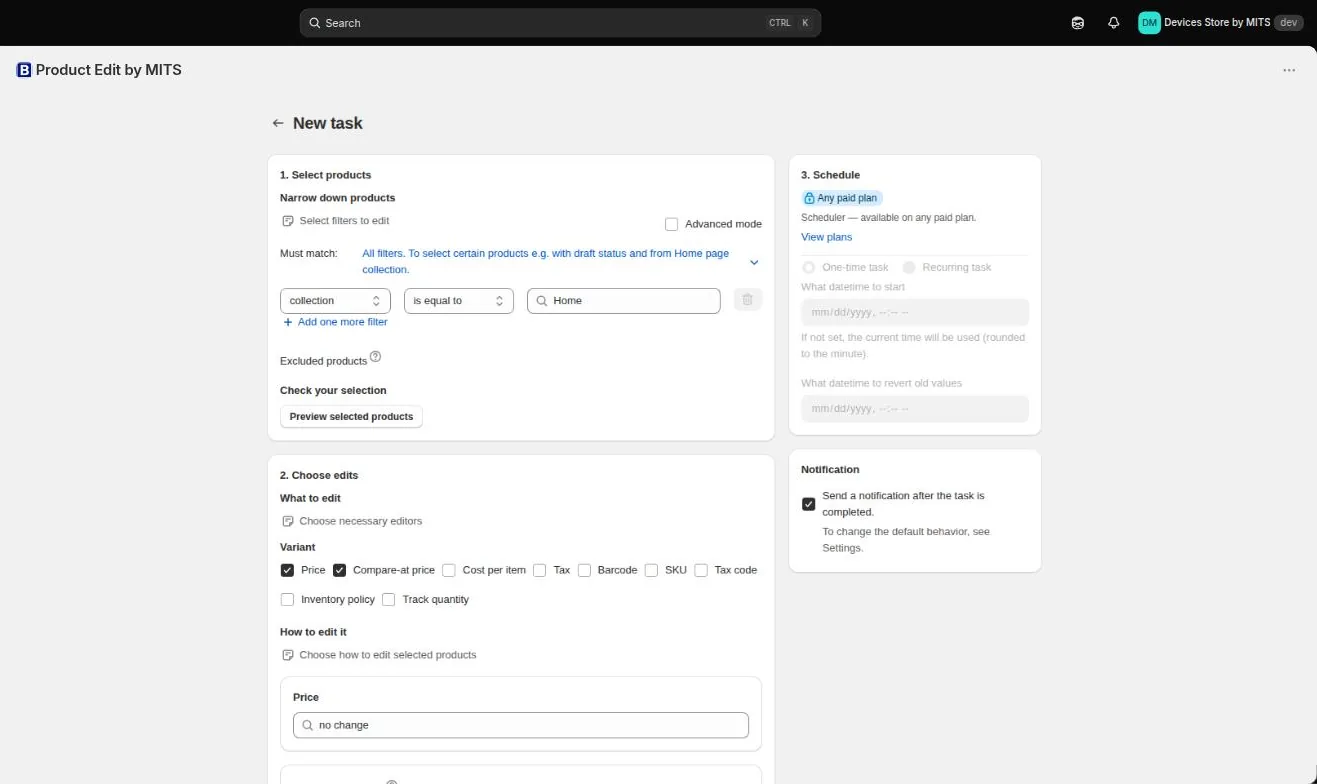
Step by step
- Filter by the existing tag. Use tag contains, which also catches the mis-spelled variants you are trying to consolidate.
- Preview. Read the matched products — tag filters catch more than people expect.
- Add the new tag. In the tags editor choose “add new tags” and type it exactly as your collections and workflows expect it.
- Remove the old tag. Add a second tags operation, “remove tags”, in the same task.
- Run and check a collection. After the task, open an automated collection that depends on the tag and confirm its product count.
Follow the steps in your own store — the free plan covers ten products per task.
You will be redirected to the Shopify app store.
Spaces and case are literal
Shopify treats “Winter Boots”, “winter boots” and “winter boots” as three different tags. Type carefully, because a stray space creates a tag nothing is filtering on.
Reverting brings tags back
The task stores the tag set before the change, so a revert restores removed tags as well as clearing added ones.
Related tutorials
Bulk edit tags on Shopify
Add, remove and rename product tags across a filtered part of the catalog.
Read moreHow to filter the products you want to edit
Conditions, match all or any, exclusions and the preview that prevents accidents.
Read moreA quarterly catalog hygiene checklist
Nine filters that show exactly where your catalog data has drifted.
Read more